Details

Turning a Video Library into an Adaptive AI Coach

Turning a Video Library into an Adaptive AI Coach

Turning a Video Library into an Adaptive AI Coach

An AI coach that turns questions into learning journeys, combining instant answers with micro-courses to make learners 2.1x more likely to complete and earn certificates.

Services

Product Design
Modern home office setup with a monitor, ergonomic chair, keyboard, and indoor plants near a window with blinds.

Overview

JoVE is trusted by universities and researchers worldwide for its peer-reviewed science videos. Entering the B2C space meant starting fresh: a library alone isn’t enough. Learners need something personal, adaptive, and motivating.

I designed JoVE’s first B2C product as an AI coach — one that answers questions instantly and also guides learners through structured micro-courses with quizzes, progress tracking, and certificates.

The result is a seamless flow where a learner can start with a doubt and finish with a certificate, without ever feeling lost in a catalog.
JoVE is trusted by universities and researchers worldwide for its peer-reviewed science videos. Entering the B2C space meant starting fresh: a library alone isn’t enough. Learners need something personal, adaptive, and motivating.

I designed JoVE’s first B2C product as an AI coach — one that answers questions instantly and also guides learners through structured micro-courses with quizzes, progress tracking, and certificates.

The result is a seamless flow where a learner can start with a doubt and finish with a certificate, without ever feeling lost in a catalog.
Modern home office setup with a monitor, ergonomic chair, keyboard, and indoor plants near a window with blinds.

The Challenge

Turning Content into Guidance

Turning Content into Guidance

A library gives you content, but it doesn’t guide you. Learners need something that feels like a coach - answering instantly, guiding step by step, and keeping motivation alive.

The tricky part: learners arrive with two very different needs.

A library gives you content, but it doesn’t guide you. Learners need something that feels like a coach - answering instantly, guiding step by step, and keeping motivation alive.

The tricky part: learners arrive with two very different needs.

Some just want a quick answer to move past a doubt.

Others want to go step by step through a course and earn a certificate.

Research Insights

Understanding Learners and Competitors

Understanding Learners and Competitors

Learners
Learners

User interviews revealed three key frustrations: endless browsing, lack of clarity on what to watch next, and no sense of achievement after finishing a video.

User interviews revealed three key frustrations: endless browsing, lack of clarity on what to watch next, and no sense of achievement after finishing a video.

Competitors
Competitors

Studying platforms like Khan Academy, Coursera, Skillshare, and Udacity revealed three elements that drive engagement:

Studying platforms like Khan Academy, Coursera, Skillshare, and Udacity revealed three elements that drive engagement:

Progression keeps learners engaged.

Quizzes reinforce learning.

Certificates motivate milestones.
Modern home office setup with a monitor, ergonomic chair, keyboard, and indoor plants near a window with blinds.

Approach

Designing Invisible Transitions

Designing Invisible Transitions

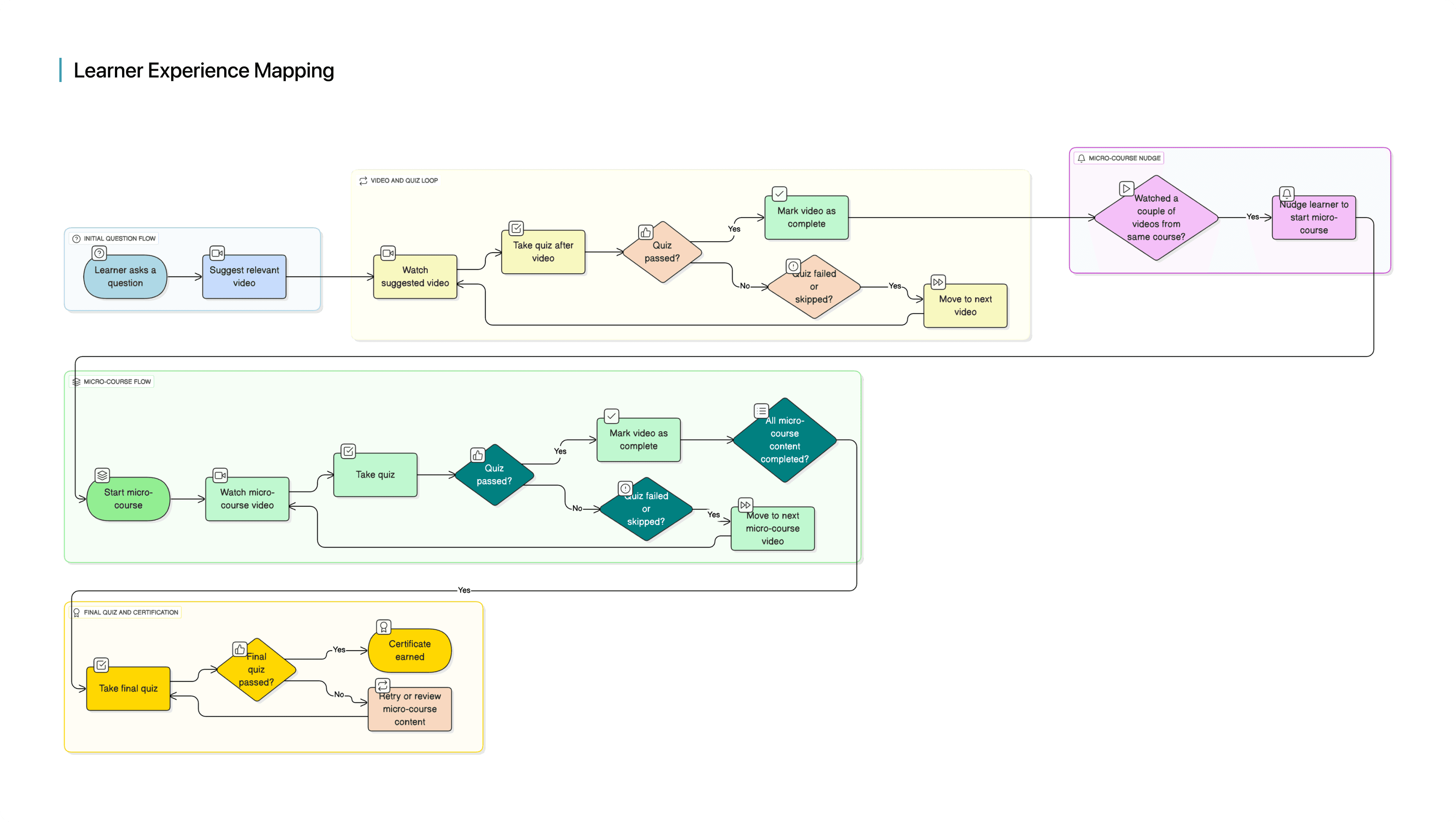
When I began mapping the experience, I kept asking myself: how can one platform serve two completely different learning needs without feeling fragmented?

I sketched the learner’s paths. On one side was the “doubt-first” learner who just wanted a quick answer. On the other was the “structured” learner who wanted to go step by step. Instead of creating two separate flows, I realized the solution was to weave them into one adaptable journey.

A learner could ask a question, get a short video, take a quick quiz, and then be nudged into a micro-course. Progress tracking and a final quiz led naturally to a certificate.

The principle became clear: don’t force a choice. Let the experience guide learners naturally from a single doubt to structured mastery.

When I began mapping the experience, I kept asking myself: how can one platform serve two completely different learning needs without feeling fragmented?

I sketched the learner’s paths. On one side was the “doubt-first” learner who just wanted a quick answer. On the other was the “structured” learner who wanted to go step by step. Instead of creating two separate flows, I realized the solution was to weave them into one adaptable journey.

A learner could ask a question, get a short video, take a quick quiz, and then be nudged into a micro-course. Progress tracking and a final quiz led naturally to a certificate.

The principle became clear: don’t force a choice. Let the experience guide learners naturally from a single doubt to structured mastery.

Modern home office setup with a monitor, ergonomic chair, keyboard, and indoor plants near a window with blinds.

In beta, this seamless flow helped 42% of doubt-first learners continue into a micro-course.

Insight

We explored two separate modes at first, then scrapped them completely when we realized one adaptive flow was cleaner.

Key Design Decisions

Designing the Building Blocks of a Coach

Designing the Building Blocks of a Coach

I focused on key elements that made Coach feel supportive and motivating - guiding learners step by step, reinforcing progress, and celebrating milestones along the way.

I focused on key elements that made Coach feel supportive and motivating - guiding learners step by step, reinforcing progress, and celebrating milestones along the way.

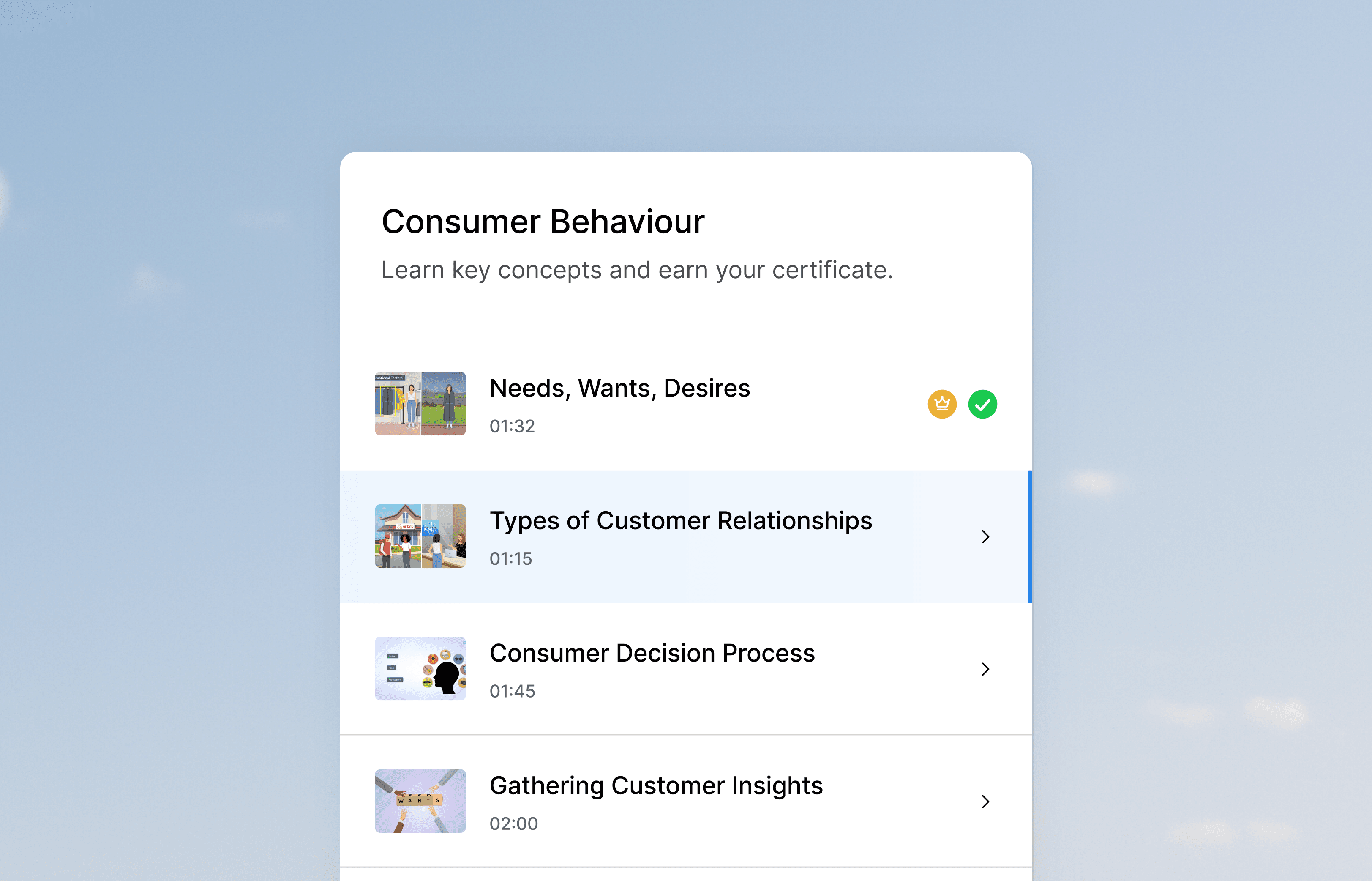
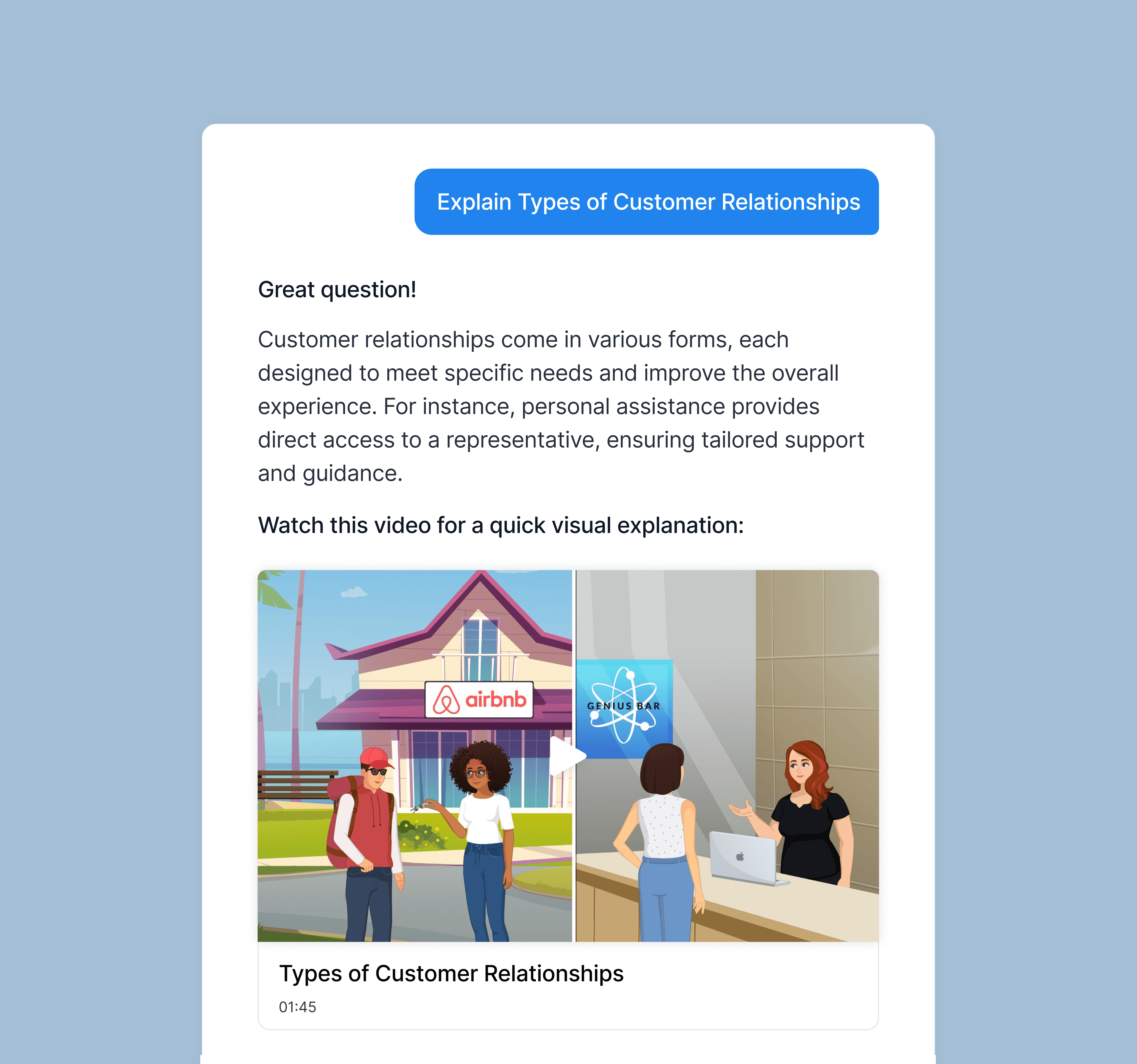
Chat as the Coach

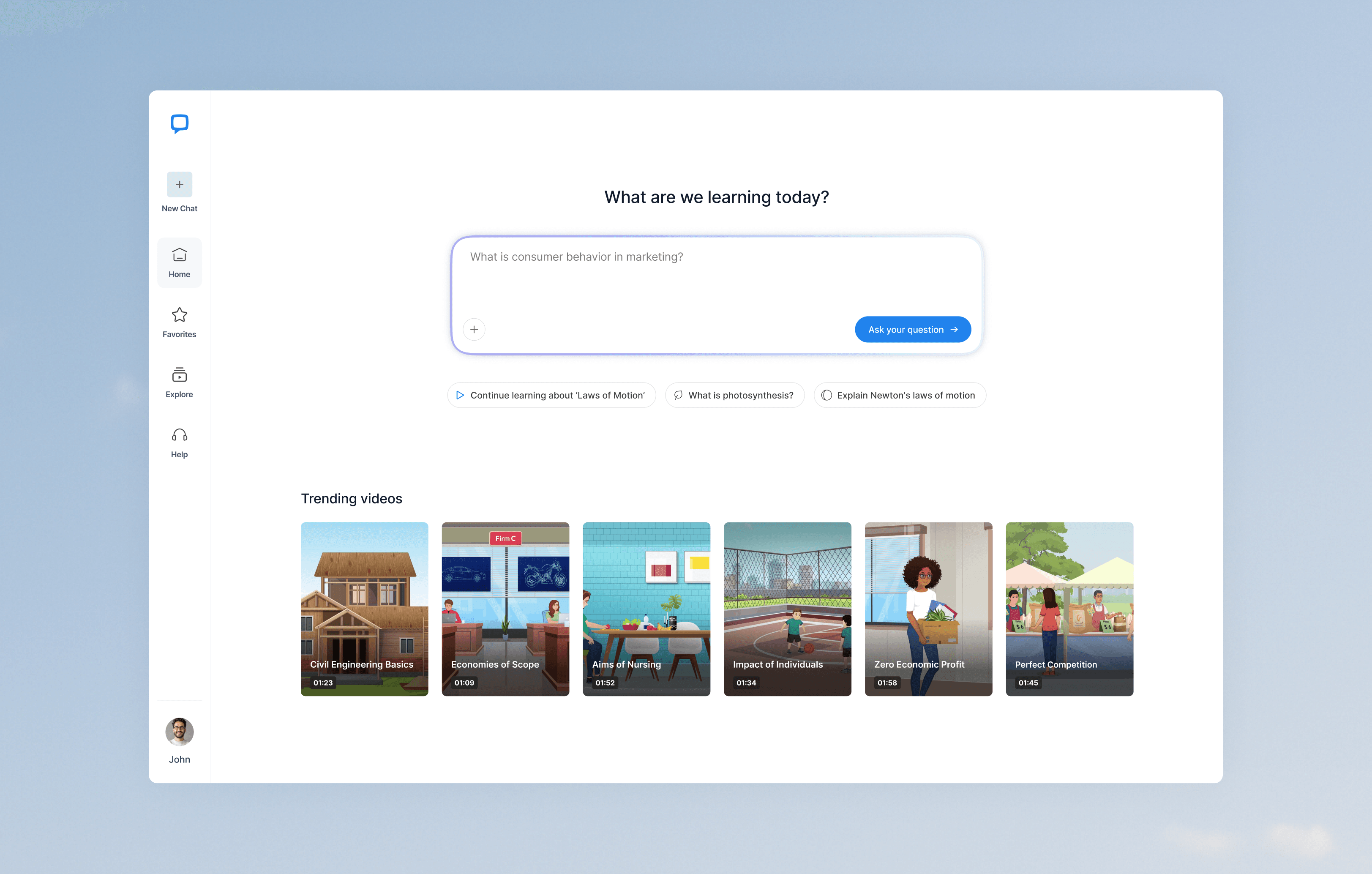
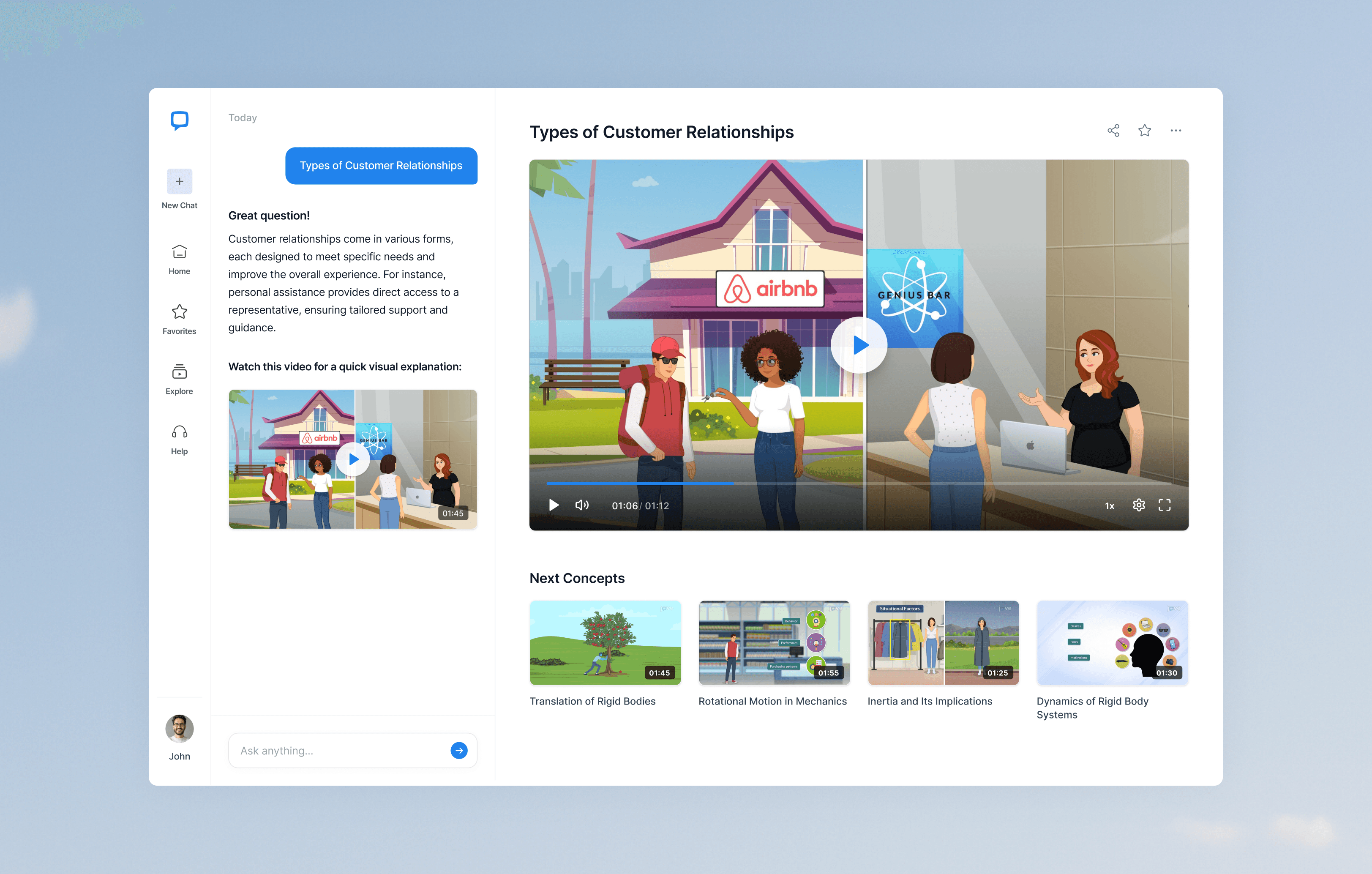
The chat is the learner’s guide — conversational, supportive, and action-oriented. It answers questions, suggests next steps, and keeps context alive. This design drives 35% longer sessions than JoVE’s video-only experience.
Modern home office setup with a monitor, ergonomic chair, keyboard, and indoor plants near a window with blinds.

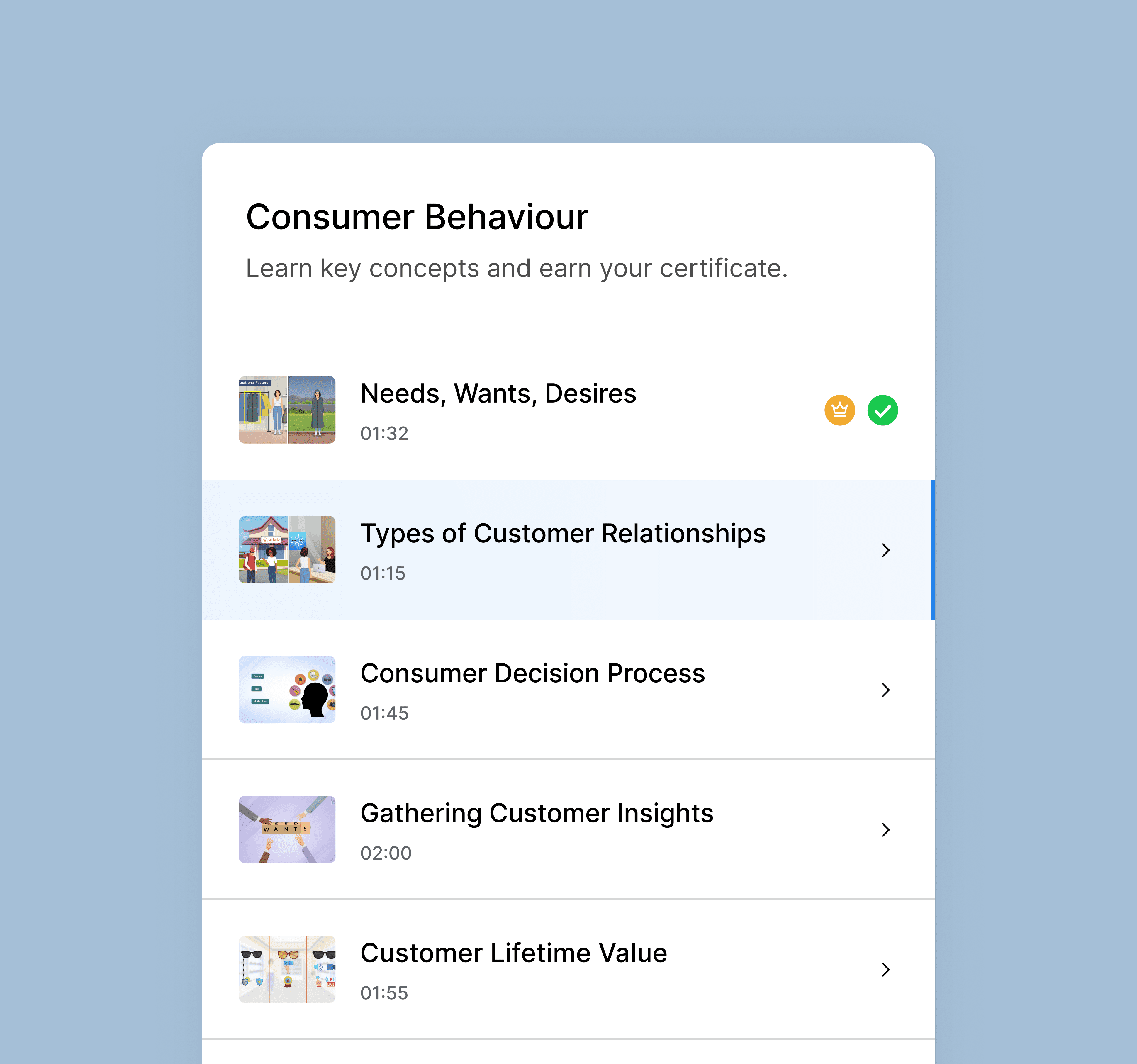
Structured Content

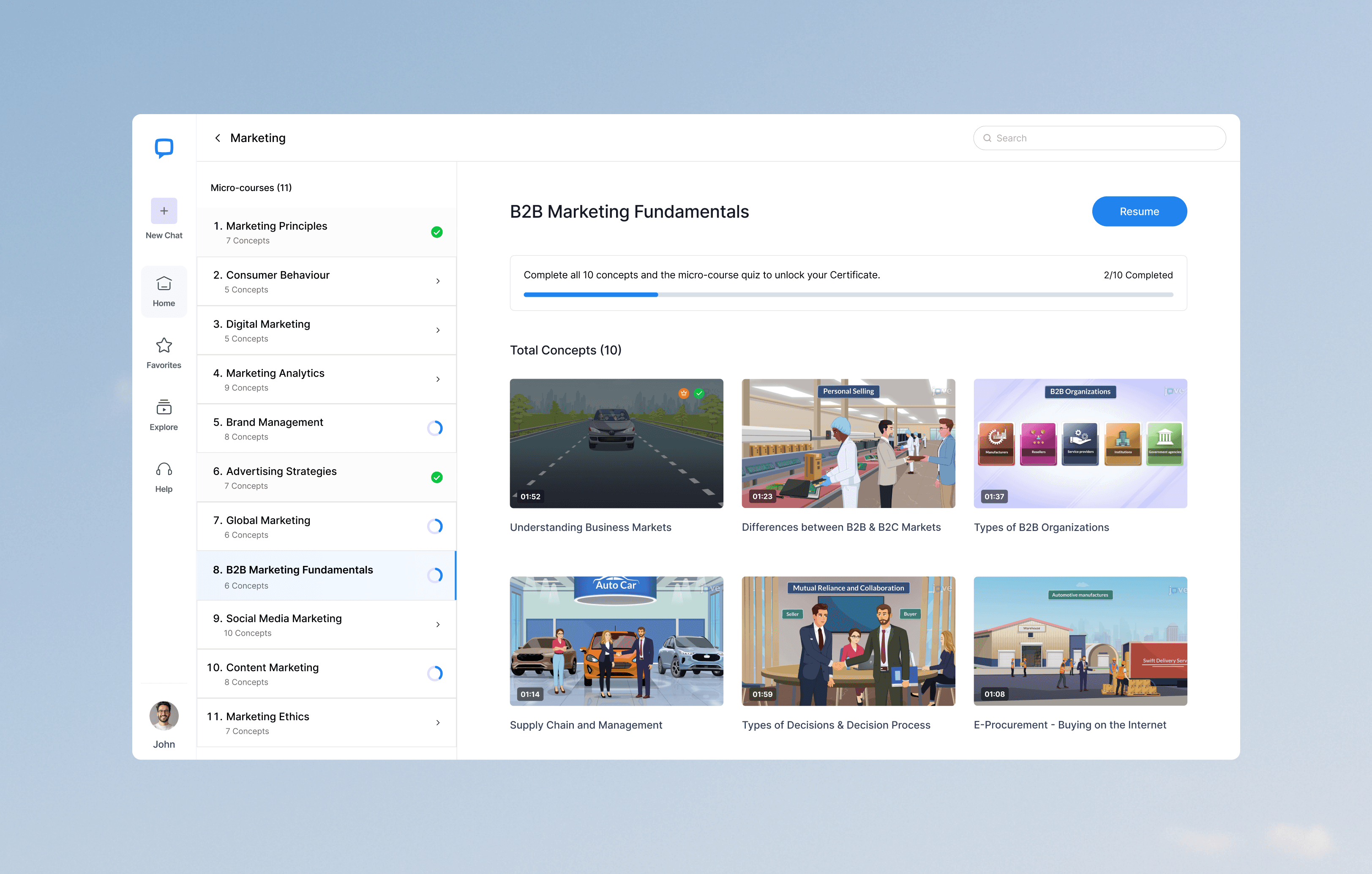
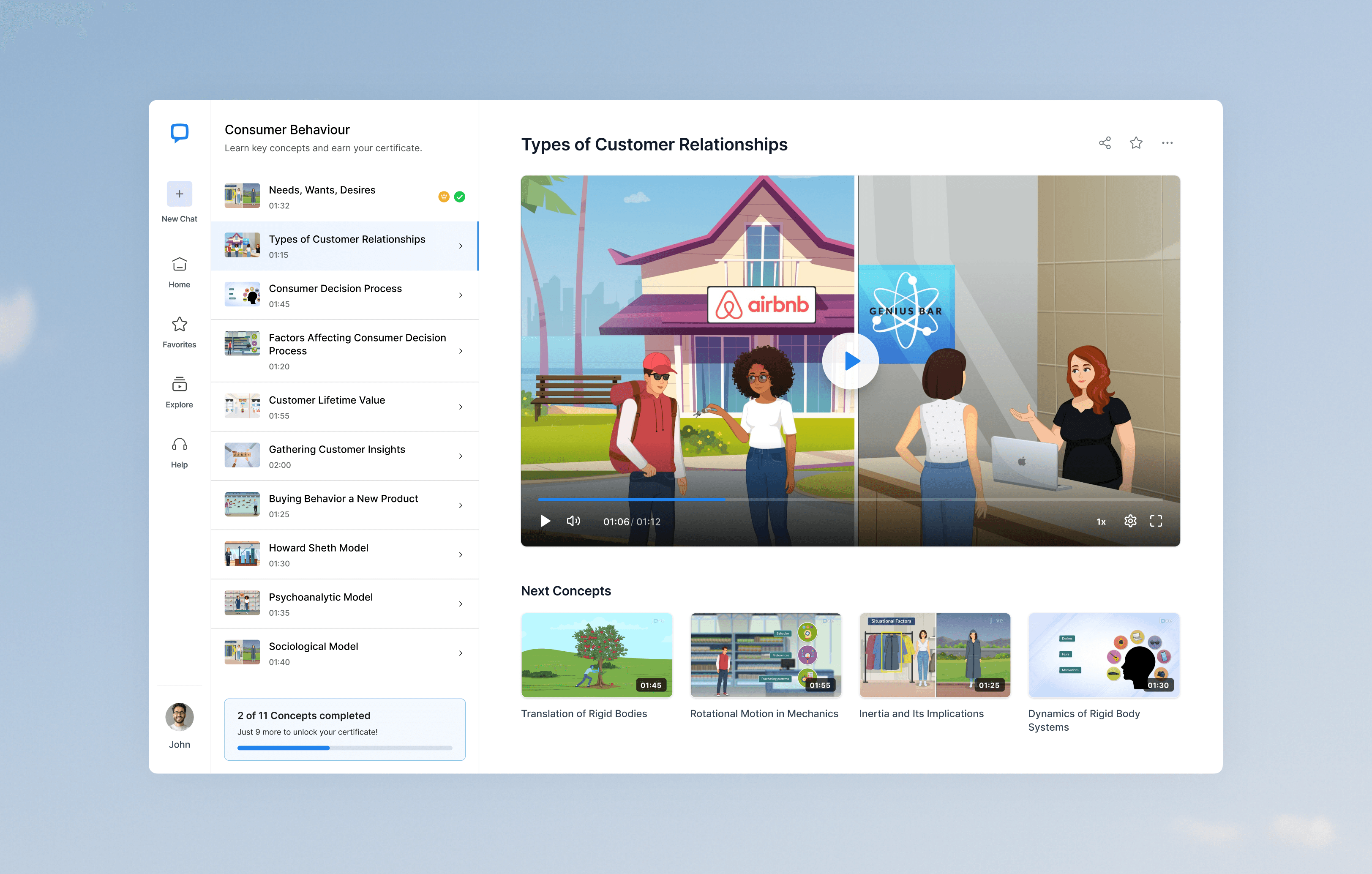
Bite-sized videos, embedded quizzes, and a final certificate create a clear path. This structure drives 3x more certificates earned than JoVE’s previous baseline.
Modern home office setup with a monitor, ergonomic chair, keyboard, and indoor plants near a window with blinds.

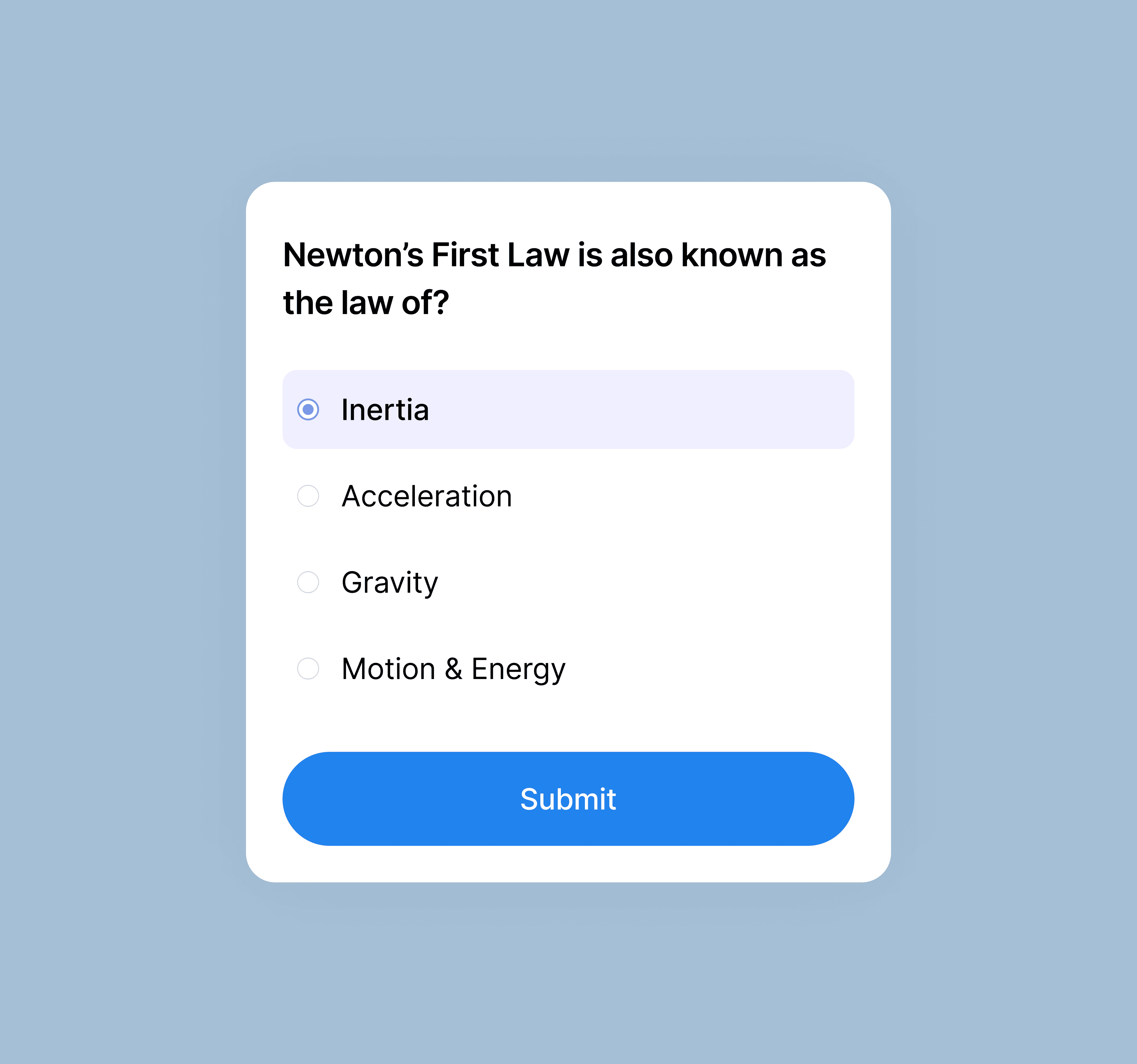
Quizzes to Boost Learning

Short quizzes after concepts turned passive watching into active learning, preparing learners for the final certificate quiz.
Modern home office setup with a monitor, ergonomic chair, keyboard, and indoor plants near a window with blinds.

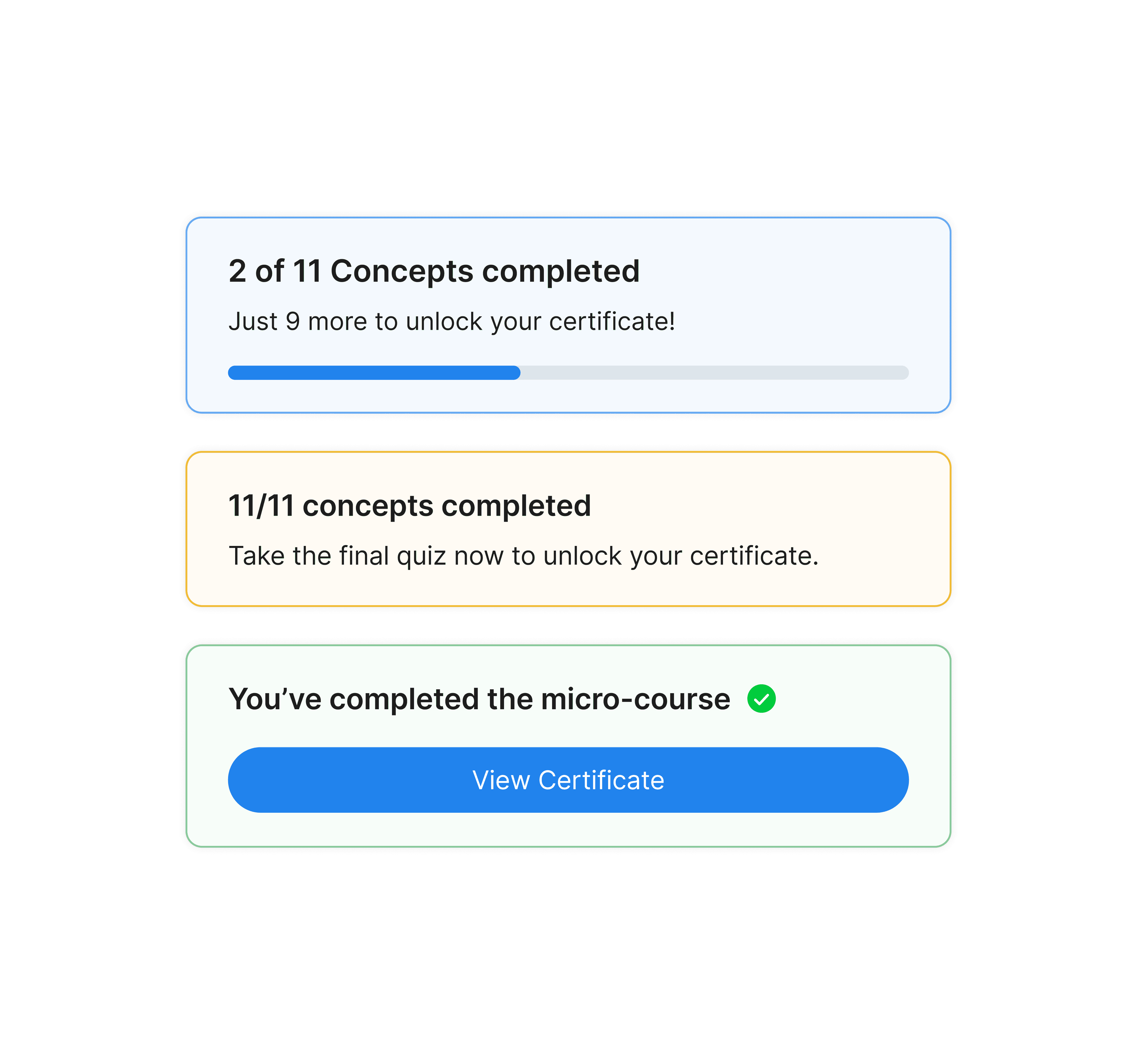
Progress Made Visible

Rings, sticky bars, and microcopy like “3 concepts done, certificate in sight” give learners momentum. Visible progress boosts certificate completions by 22%.
Modern home office setup with a monitor, ergonomic chair, keyboard, and indoor plants near a window with blinds.

Nudges at the Right Time

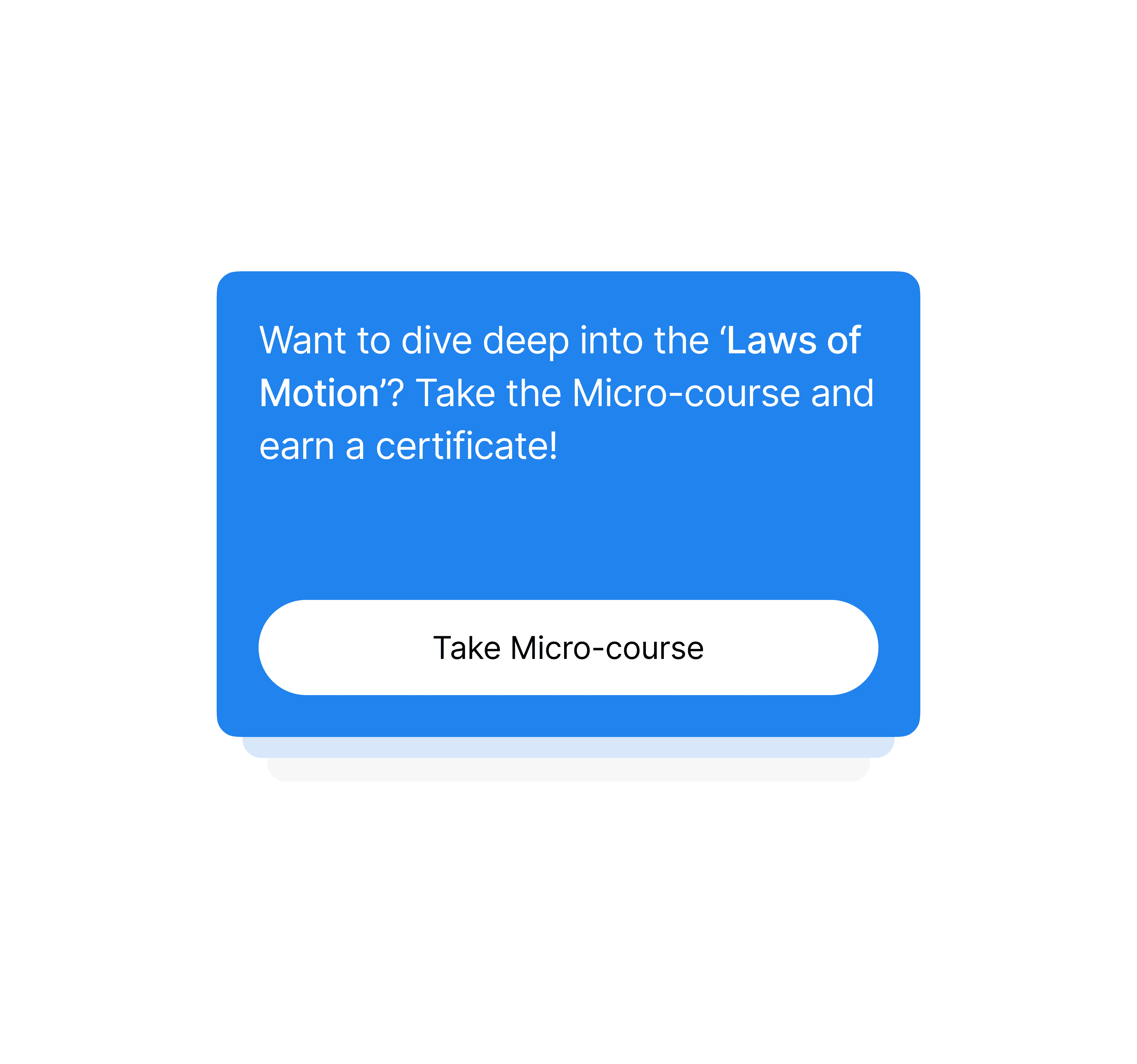
Prompts appear only after related videos or quizzes. This keeps the experience natural and reduces drop-offs by 18%, while still guiding learners deeper.
Modern home office setup with a monitor, ergonomic chair, keyboard, and indoor plants near a window with blinds.

Moments of Delight

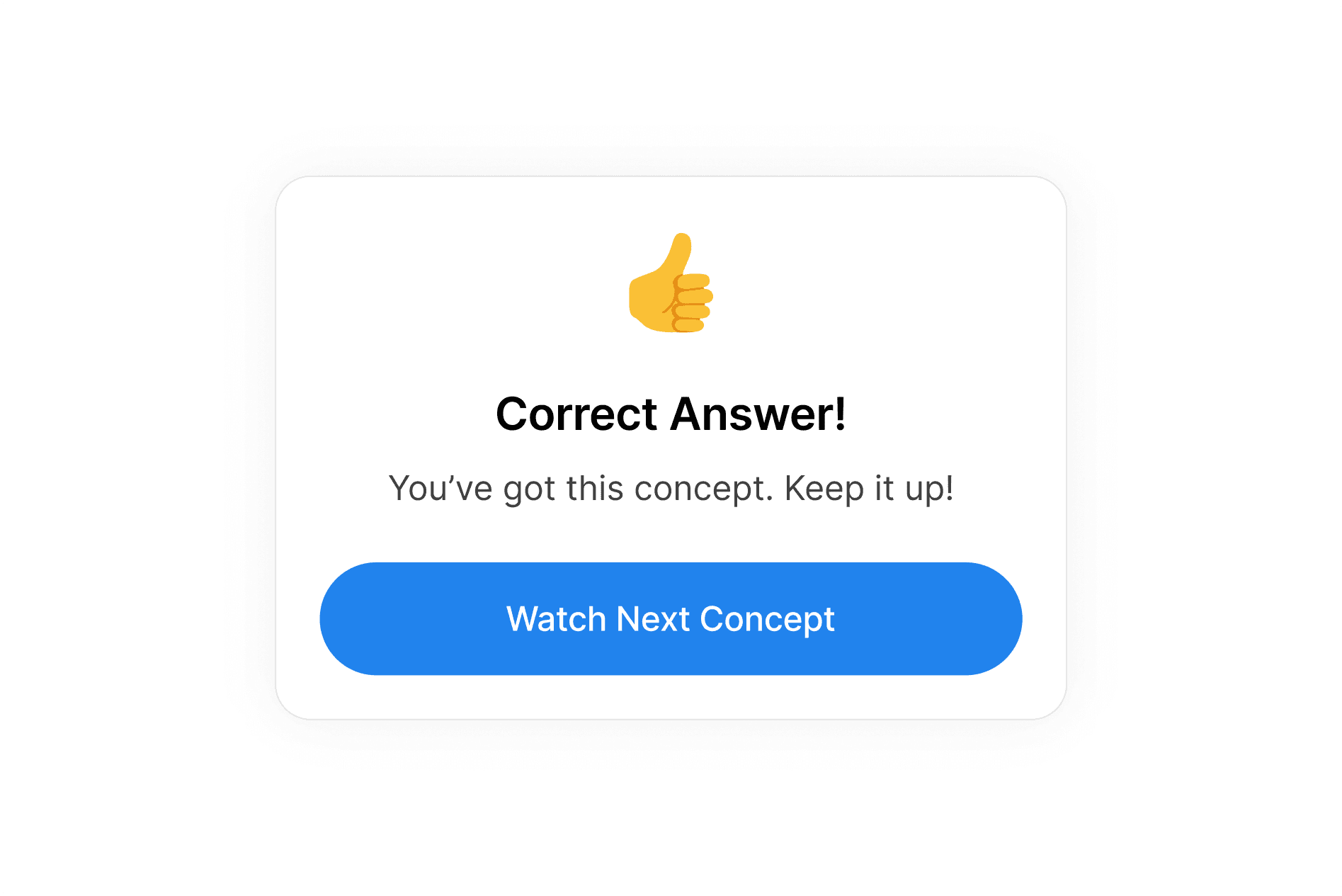
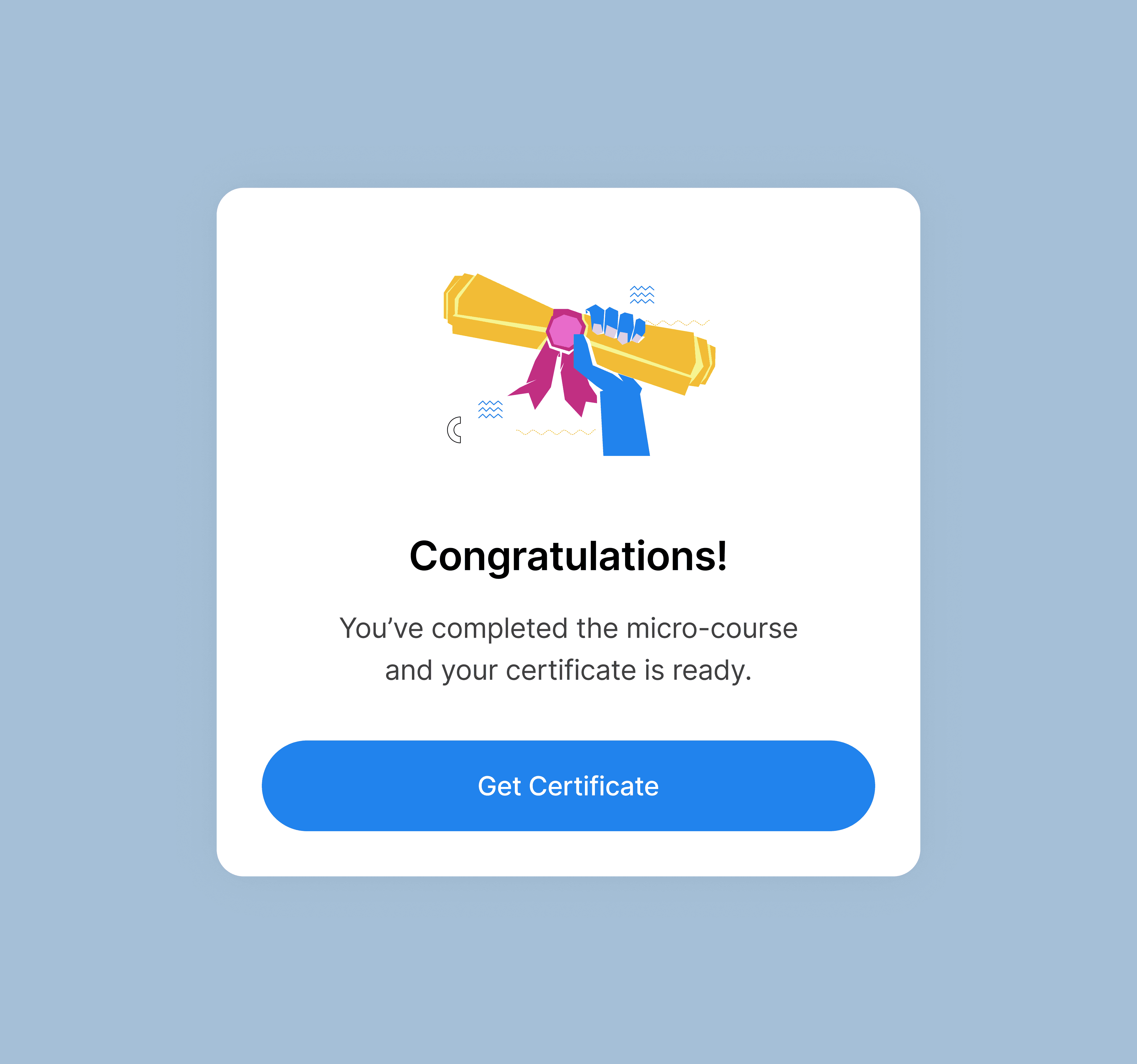
Confetti and celebratory overlays make milestones memorable. Learners who see these are 1.5x more likely to continue after a quiz.
Modern home office setup with a monitor, ergonomic chair, keyboard, and indoor plants near a window with blinds.

Visual Uplift

Making Learning Feel Engaging

Making Learning Feel Engaging

To make Coach approachable and modern, I created a design system focused on clarity and delight:

To make Coach approachable and modern, I created a design system focused on clarity and delight:

Modern home office setup with a monitor, ergonomic chair, keyboard, and indoor plants near a window with blinds.
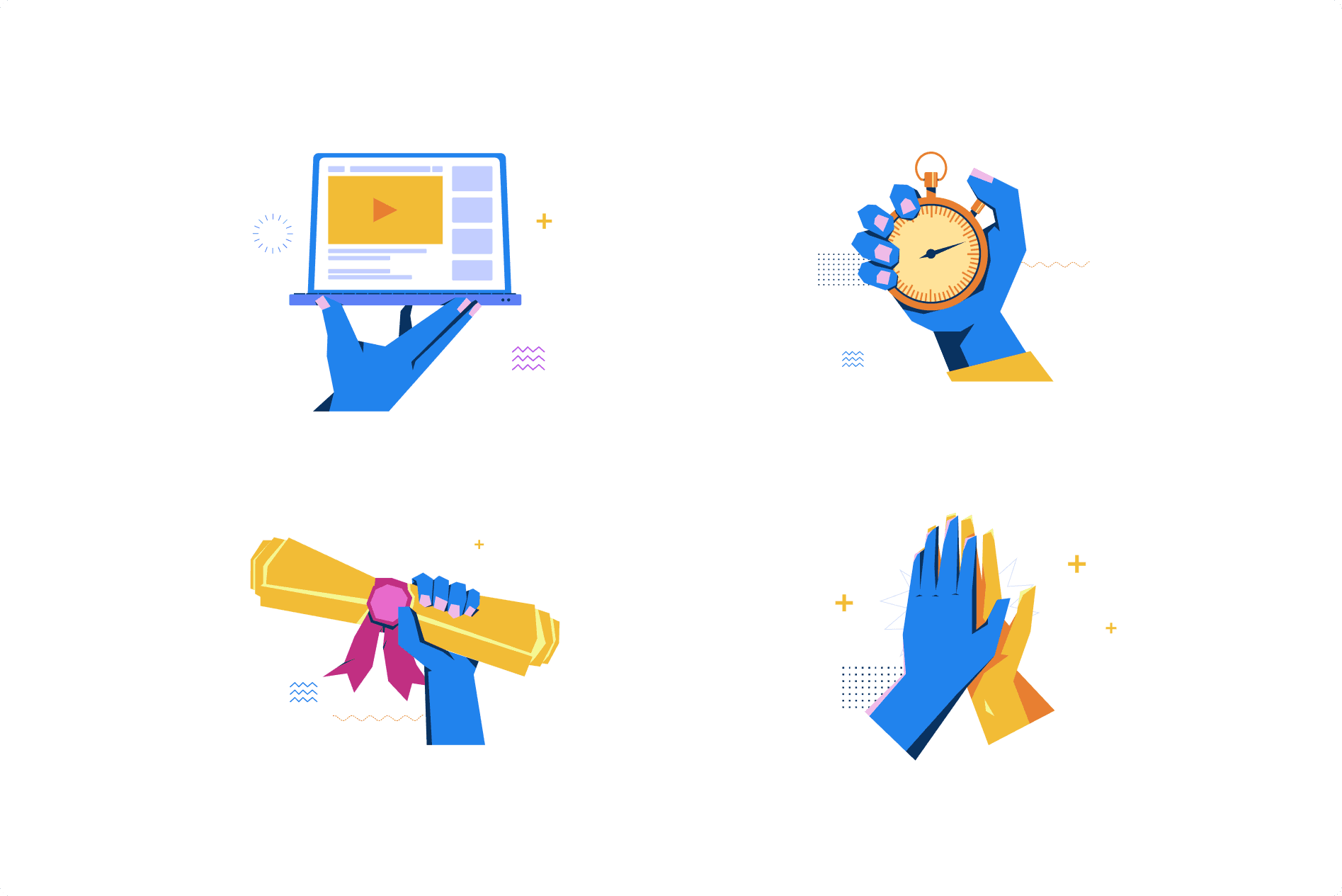
Delightful Illustrations

Playful, colorful visuals humanize the experience and celebrate milestones.

Playful, colorful visuals humanize the experience and celebrate milestones.

Modern home office setup with a monitor, ergonomic chair, keyboard, and indoor plants near a window with blinds.
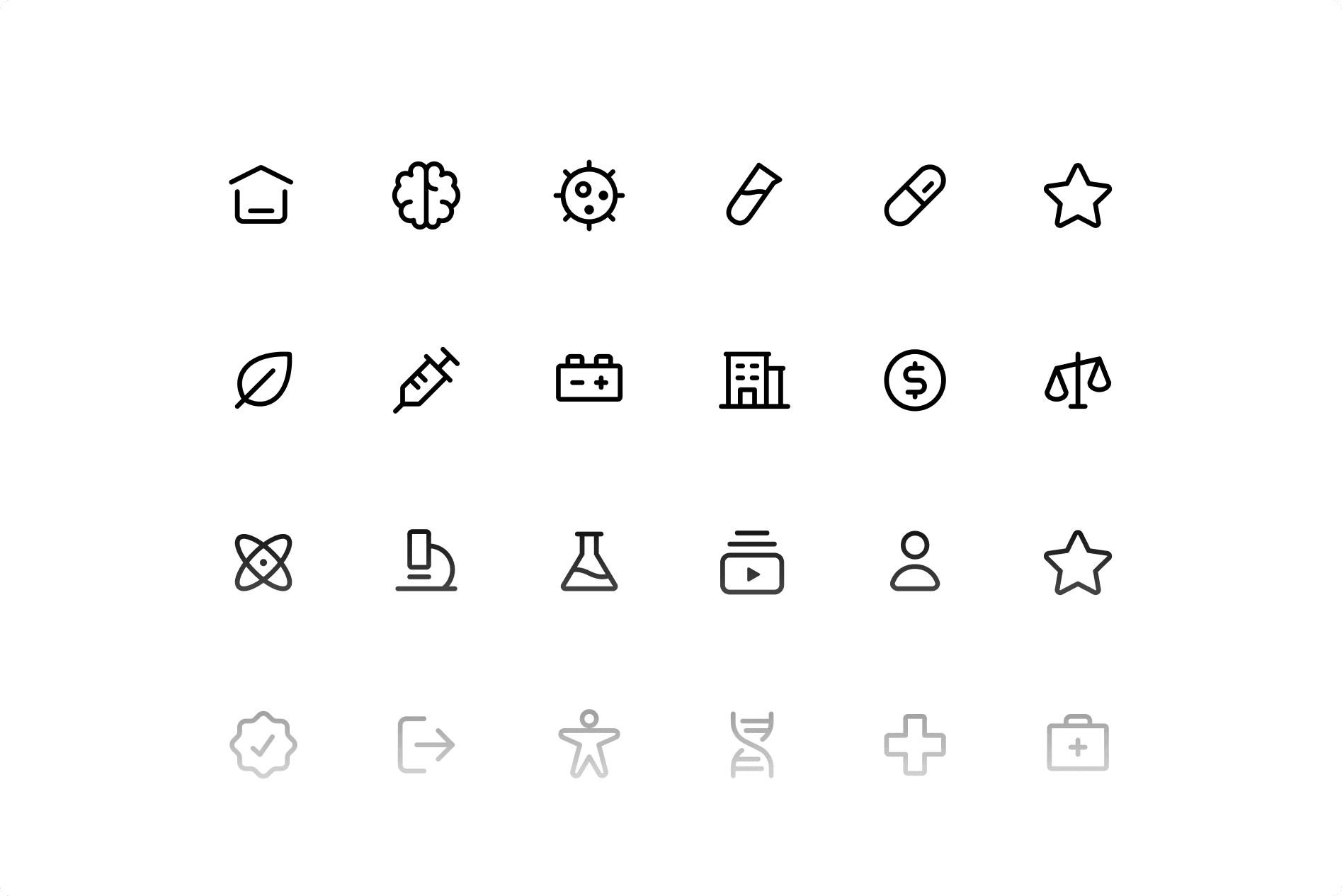
Unified Icons
Unified Icons

A consistent set makes navigation clear.

A consistent set makes navigation clear.

Modern home office setup with a monitor, ergonomic chair, keyboard, and indoor plants near a window with blinds.
Simplified Typography

Clean, legible fonts with ample whitespace keep focus on video content.

Clean, legible fonts with ample whitespace keep focus on video content.

Modern home office setup with a monitor, ergonomic chair, keyboard, and indoor plants near a window with blinds.
Motivating Tone
Motivating Tone

A supportive voice encourages learners throughout.

A supportive voice encourages learners throughout.

Final Design

Bringing the Experience to Life

Bringing the Experience to Life

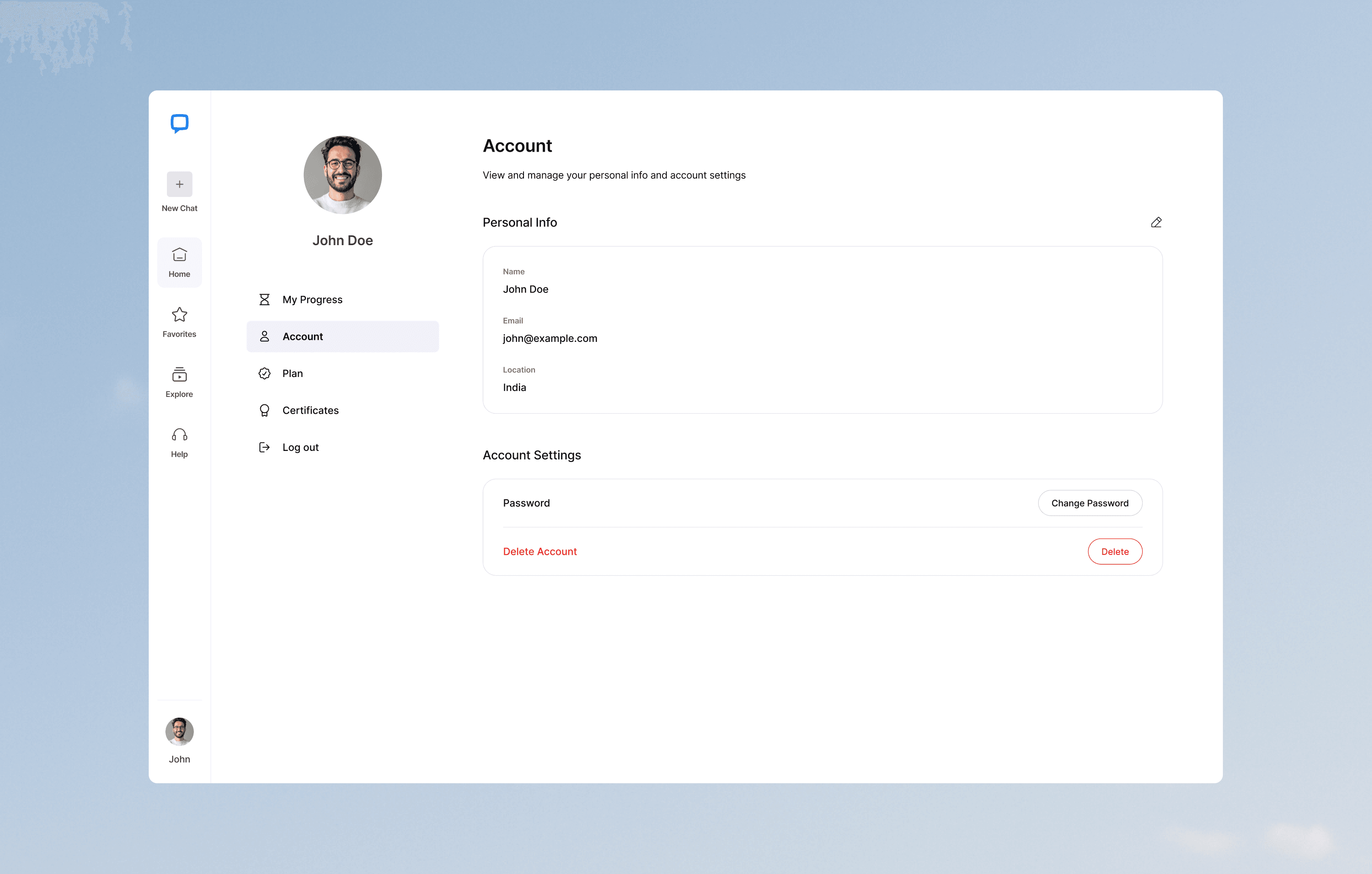
Key screens that bring the coach to life, guiding learners from first question to final certificate.

Key screens that bring the coach to life, guiding learners from first question to final certificate.

Modern home office setup with a monitor, ergonomic chair, keyboard, and indoor plants near a window with blinds.

Responsive Experience

Learning Anytime, Anywhere

Learning Anytime, Anywhere

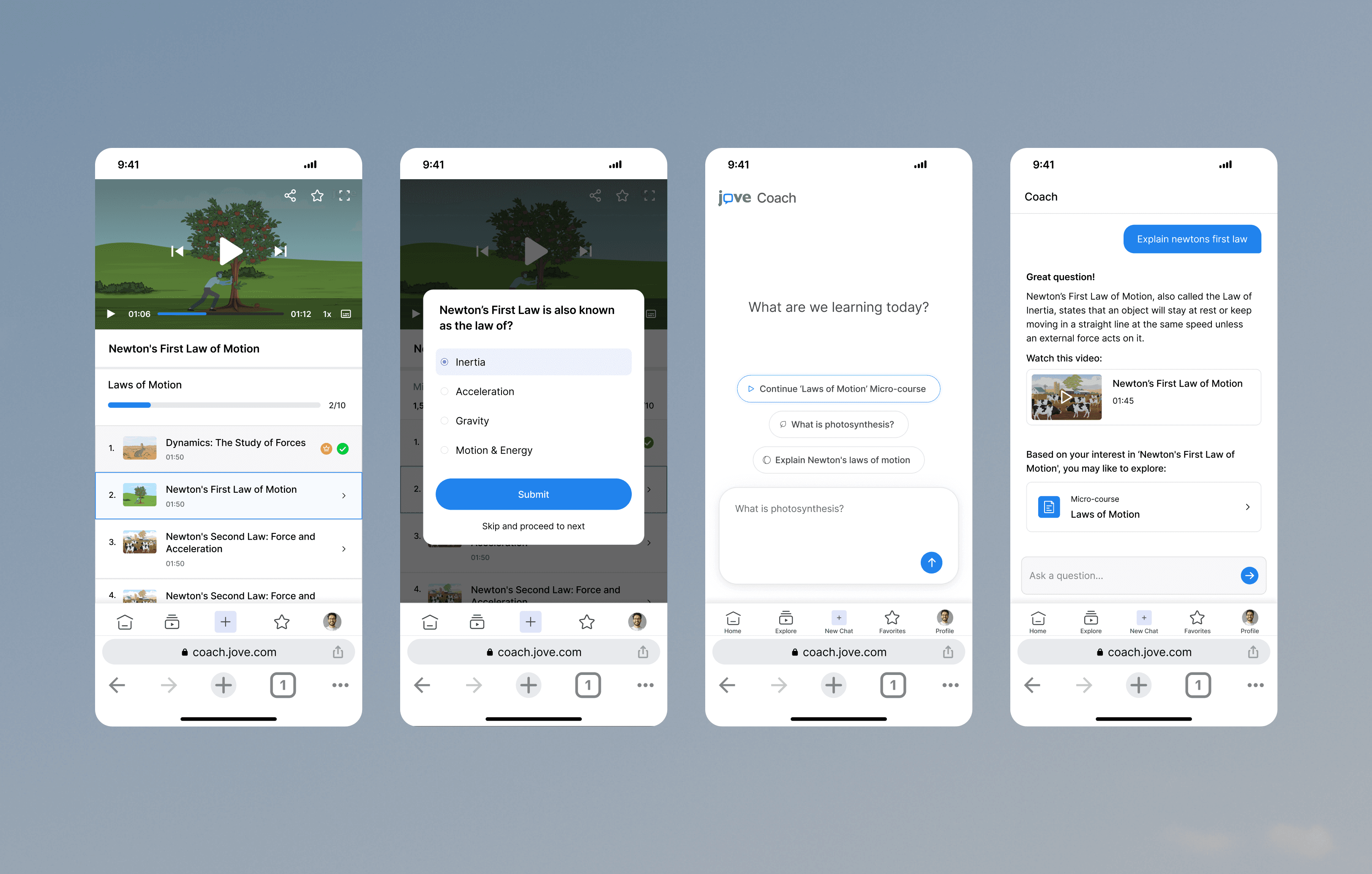
I wanted the mobile experience to feel just as seamless as desktop so learners could easily navigate, watch videos, and track progress on any device.

To achieve this, I simplified the sidebar into a clean navbar for quick access to chat, courses, and progress. I kept the video player central, integrating quizzes and progress indicators directly into it.

To avoid overwhelming learners on smaller screens, I used progressive disclosure so features only appeared when relevant, keeping the focus on learning.

I wanted the mobile experience to feel just as seamless as desktop so learners could easily navigate, watch videos, and track progress on any device.

To achieve this, I simplified the sidebar into a clean navbar for quick access to chat, courses, and progress. I kept the video player central, integrating quizzes and progress indicators directly into it.

To avoid overwhelming learners on smaller screens, I used progressive disclosure so features only appeared when relevant, keeping the focus on learning.

Modern home office setup with a monitor, ergonomic chair, keyboard, and indoor plants near a window with blinds.

Outcome

Guiding Learners to Success

Guiding Learners to Success

JoVE Coach transforms a static library into an AI-powered coach that answers instantly, guides step by step, and celebrates progress.

42% of learners who ask a question continue into a micro-course.

27% increase in course completions.

3x more certificates earned.

35% longer session times, showing stronger engagement and satisfaction.

Learners stay longer, complete journeys, and proudly earn certificates.

Create a free website with Framer, the website builder loved by startups, designers and agencies.